Contents
What you need before you start
You only need a few things to gift an NFT safely. The key is preparing both the recipient and the asset so the transfer is smooth and final, without exposing either of you to scams.
- A supported wallet for the NFT’s blockchain (e.g., MetaMask for Ethereum, Phantom for Solana)
- The recipient’s correct wallet address on the same chain as the NFT
- Enough native token for network fees (ETH for Ethereum, MATIC for Polygon, SOL for Solana)
- Confirmed transferability (some NFTs are non-transferable or soulbound)
- Optional: a fresh “gift wallet” if you want to bundle setup instructions and the NFT together
If the recipient is new to crypto, plan to spend ten extra minutes on basics like seed phrases and network selection. That time prevents costly mistakes later.
Check the NFT’s chain, contract, and terms
Not all NFTs behave the same. Before you gift, verify the blockchain, contract permissions, and any transfer restrictions. On marketplaces like OpenSea, Magic Eden, or the creator’s site, you can view contract details and token metadata.
Look for these signs: Is the token flagged as suspicious? Is the collection verified? Is the NFT locked in a staking contract or listed for sale? If it’s listed, cancel the listing first so you don’t transfer while an active sale is running.
Step-by-step: sending the NFT directly
Direct transfers are fastest. You send the NFT from your wallet to the recipient’s wallet on the same network. One clean transaction, recorded on-chain.
- Confirm the network and address. Ask the recipient to send their address twice: once via chat, once via a different channel. Compare both. Typos are fatal on-chain.
- Hold enough gas. For Ethereum, keep extra ETH for fluctuating gas. For Polygon, MATIC is cheap but still required. For Solana, SOL fees are minimal, yet you still need a balance.
- Open the wallet or marketplace. In MetaMask, go to the NFTs tab; in Phantom, open Collectibles; or use the marketplace’s “transfer” button on the NFT detail page.
- Paste the address and select the correct token. Double-check the token ID and collection name. If the UI shows a preview, confirm the art and attributes match.
- Review and send. Set a reasonable gas fee to avoid pending transactions. Submit and wait for confirmation. Save the transaction hash for your records.
After confirmation, send the recipient the transaction link from a block explorer like Etherscan, Polygonscan, or Solscan. It reassures them and provides proof of delivery.
Gifting to a newcomer? Consider a “gift wallet”
If the recipient doesn’t have a wallet, you can generate a new wallet, fund it with a small amount of native token for fees, and place the NFT inside. Then you hand over the wallet securely. It’s like gifting a hardware wallet with a treasure inside.
- Create the wallet offline if possible. Write down the seed phrase by hand. Do not store it in cloud notes or email.
- Fund it with a small balance. Add enough for at least 3–5 transactions so the recipient can move or list the NFT later.
- Transfer the NFT into the gift wallet. Verify it appears correctly in the wallet’s collectibles view.
- Hand over the seed phrase and instructions. Use a sealed envelope or a hardware wallet. Never send the seed phrase over chat.
- Guide the first login. If you’re in the same room, help them import the wallet and test a tiny outbound transaction.
This method avoids the “I don’t have a wallet yet” roadblock and reduces the chance they’ll lose access. The trade-off is responsibility: anyone with the seed phrase controls the NFT, so transfer the phrase only once, in person when possible.
Gas fees, timing, and networks
Fees vary by network and time of day. Ethereum can spike during NFT mints or market volatility. Polygon and Solana are cheaper and faster, but still require the right token for fees.
| Network | Fee Level | Confirmation Speed | Common Wallets |
|---|---|---|---|
| Ethereum | High, variable | Moderate | MetaMask, Ledger Live |
| Polygon | Low | Fast | MetaMask (Polygon), Rabby |
| Solana | Very low | Very fast | Phantom, Solflare |
Check a gas tracker before sending. If gas is surging, wait 15–30 minutes. For time-sensitive gifts, pre-fund the wallet and schedule the transfer when fees are calm.
Avoiding scams and mistakes
NFTs are unforgiving with typos and impersonation. A few habits protect both you and the recipient.
- Verify addresses using a second channel. A short phone call beats sending to a scammer’s spoofed address.
- Beware airdrop bait. Random “gift” NFTs can hide malicious links. Tell the recipient to avoid signing unknown prompts.
- Never ask for their seed phrase. You don’t need it to send a gift. If anyone asks you for yours, walk away.
- Use official links. Open marketplaces and explorers from bookmarked URLs, not ads.
- Test with a tiny transfer first. Send a small amount of the native token to confirm the address if you’re anxious.
One real-world example: a sender copied an address from a messaging app where an impostor replaced it. A 0.001 ETH test transfer exposed the mismatch and saved a valuable 1/1 artwork.
Presentation matters: make it feel like a gift
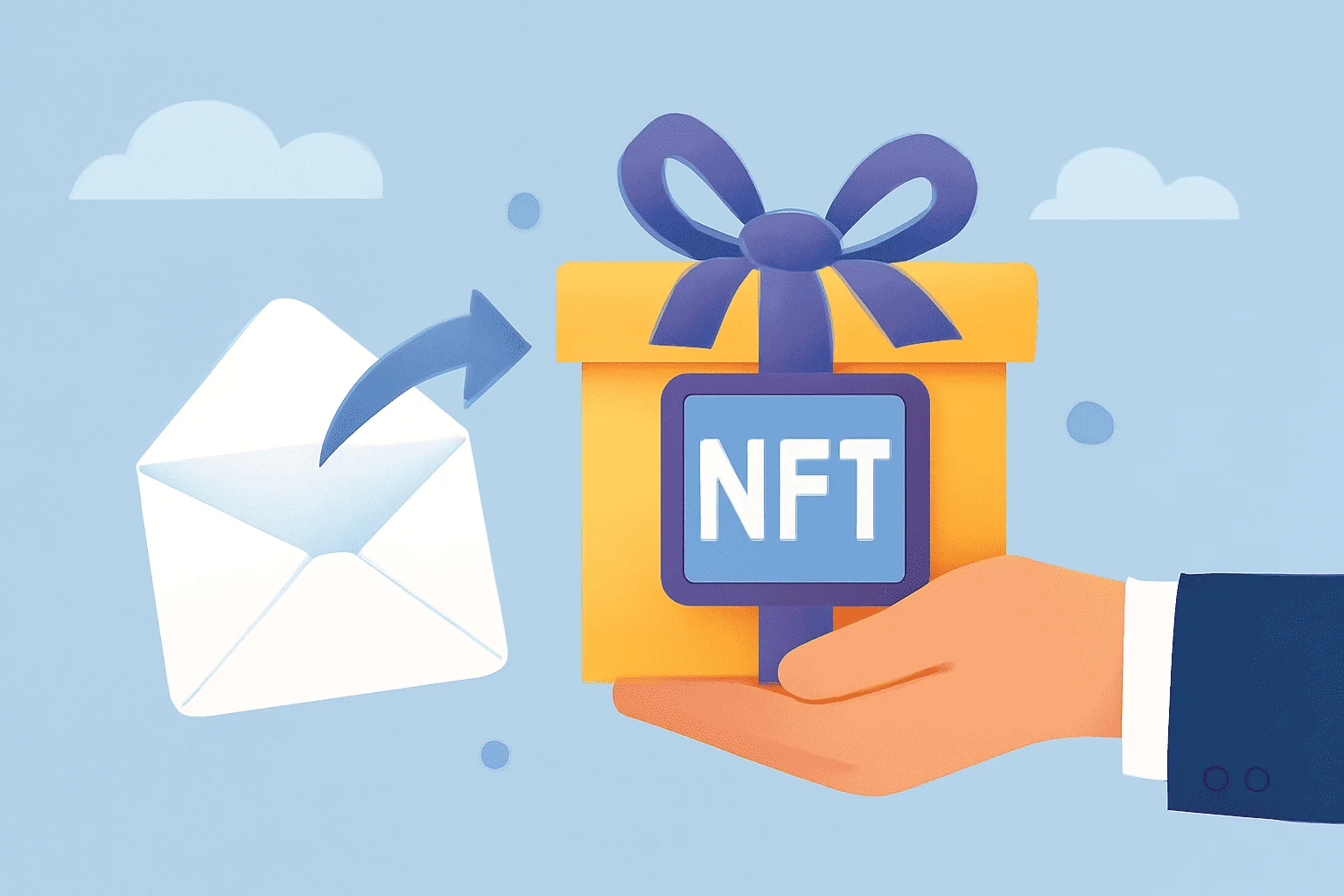
The blockchain confirms ownership, but the human touch makes it memorable. Wrap the transfer in a story and a reveal.
- Create a short note. Explain why you chose this NFT: the artist’s theme, the trait that reminds you of them, or the utility it unlocks.
- Add a reveal moment. Share a block explorer link with a cryptic hint, or a QR code in a card that opens the NFT’s page.
- Include practical extras. A small balance for gas, links to wallet security guides, and the artist’s profile.
Picture this: a postcard with a QR code and a handwritten line—“Scan when you’re ready.” They scan, the NFT loads, and the provenance is theirs.
Tax and legal angles
Digital gifts can have tax implications. In many countries, gifting is taxed at the giver’s side if the value exceeds local thresholds, while the recipient may owe taxes only if they later sell at a profit. Valuation typically references floor price or recent sales at the time of transfer.
Keep a simple record: date, collection, token ID, transaction hash, and fair value estimate. That minimal ledger helps with reporting and avoids guesswork months later.
If the NFT has utility or royalties
Some NFTs unlock Discord roles, token-gated content, or in-game assets. Others share royalties or points. When gifting, pass along the access steps: connect wallet at the creator’s site, verify in the community server, or claim benefits by a deadline.
Note that creator royalties are generally paid on secondary sales, not on transfers. If you plan to sell later as part of a joint plan, check the marketplace’s royalty enforcement policy.
Quick troubleshooting
Most issues are simple mismatches or UI hiccups. Work through them methodically.
- NFT not visible? Add the contract address manually in the wallet, or check the correct network is selected.
- Transaction pending? Review gas settings or speed up with a higher fee if supported.
- Wrong address fear? If you used an ENS name, confirm the underlying address on Etherscan before sending.
- Received but “not showing” on marketplace? Metadata may be delayed; click refresh metadata if available.
When in doubt, the block explorer is the source of truth. If the token transfer shows under the correct token ID to the recipient’s address, it’s delivered.
A clean checklist for gifting an NFT
Use this condensed runbook for a smooth, secure gift. It covers prep, transfer, and presentation in a few decisive steps.
- Verify the NFT’s chain, transferability, and collection authenticity.
- Confirm the recipient’s address via two separate channels.
- Hold enough native token for gas on the right network.
- Transfer the NFT and save the transaction hash.
- Send a thoughtful note and practical instructions for access or utility.
With these steps, gifting an NFT is as straightforward as sending a postcard—only this one carries provenance, utility, and a story that lives on-chain.